

Students constantly jump between multiple tabs and chat notifications while trying to finish their course assignments. However, switching between distinct cognitive tasks can reduce productive time due to the mental friction of refocusing. Because of these broken schedules, traditional study methods often fail. Standard textbook chapters stay half-read, and complex online courses end up abandoned.
This shift in daily habits explains why you may now look for the best self-improvement apps for students. Such personal growth tools can help you break heavy topics into smaller pieces, fitting into the gaps of your commute time. We analyzed current educational apps and reviews to find apps that respect your limited time. You can compare which format feels easiest to keep using and test the ones you like!
1. Headway Nonfiction Summaries App: Reading Main Insights Between Classes
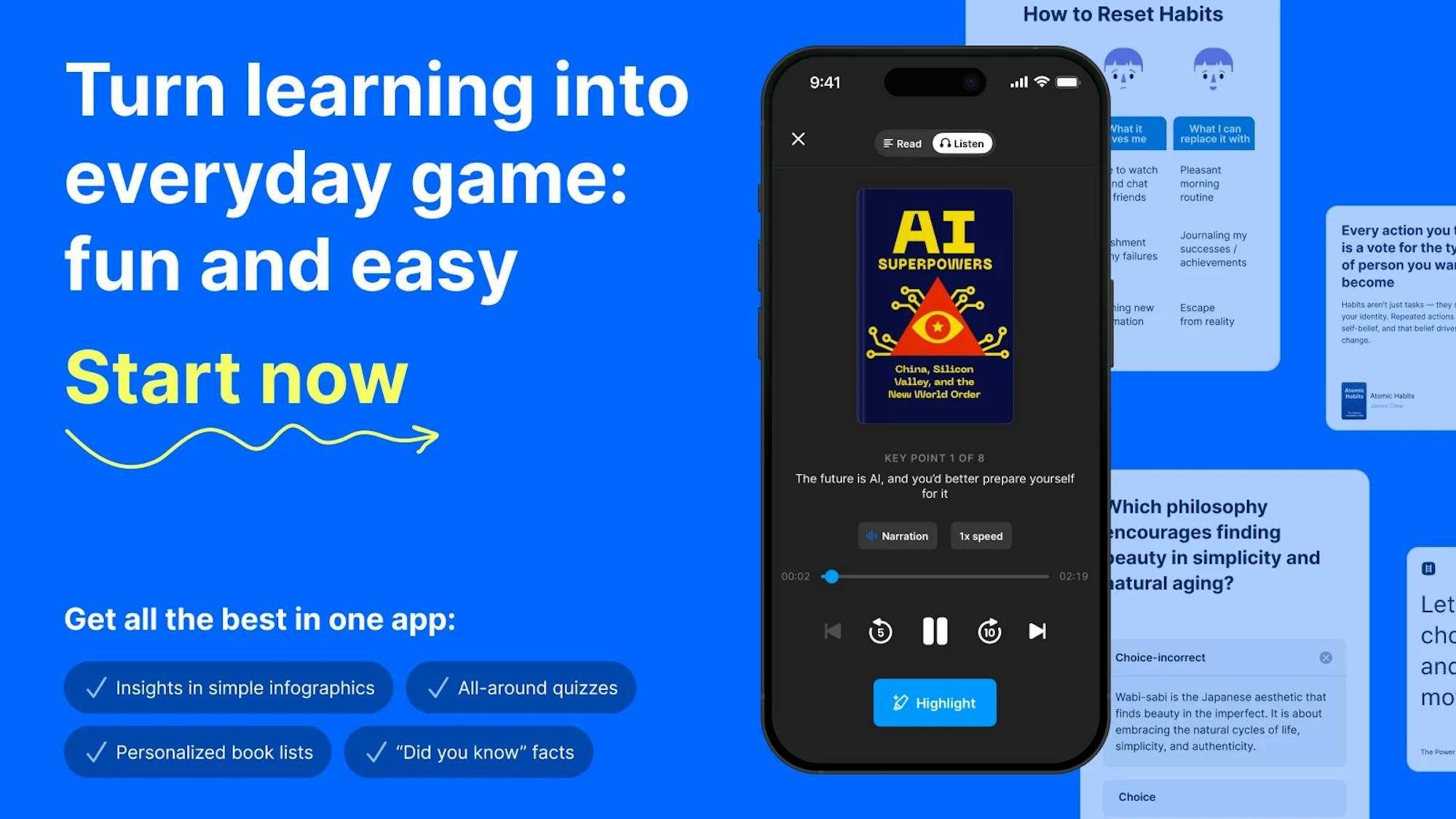
Headway focuses on condensing nonfiction books into text and audio summaries that you can finish in a single sitting. The app has reached over 55 million downloads globally and has earned the Apple Editors' Choice badge, as well as App of the Day placement in multiple countries. For students who feel overwhelmed by lengthy reading lists, these summaries can clarify a text's main arguments and insights before diving into deep academic research.
For example, you can use this tool while walking to a lecture or riding public transport. If you find yourself dropping a book halfway through, the visual cards and audio tracks help you absorb the central concepts without a major time commitment.
Each summary section takes roughly 10 to 15 minutes, allowing you to complete a full concept during a short break. The library covers 2300+ books and such areas as productivity, focus, memory, art, finance, habit formation, and also offers such bestsellers as:
- 'Atomic Habits' by James Clear: This summary explains the concept of habit stacking, where you pair a new study routine with an existing daily habit. You can apply this by opening a vocabulary flashcard set immediately after you buy your morning coffee.
- 'Deep Work' by Cal Newport: This breakdown focuses on creating distraction-free study sessions. It provides clear methods for isolating your mind from digital notifications so you can produce high-value academic work in less time.
- 'The ONE Thing' by Gary Keller: This text shows you how to prioritize a single task above all other competing assignments. It helps you identify the one academic goal that makes all your other weekly chores easier or unnecessary.
2. Nibble All-Around Knowledge App: Learn New Topics and Practice Skills in Short Lessons
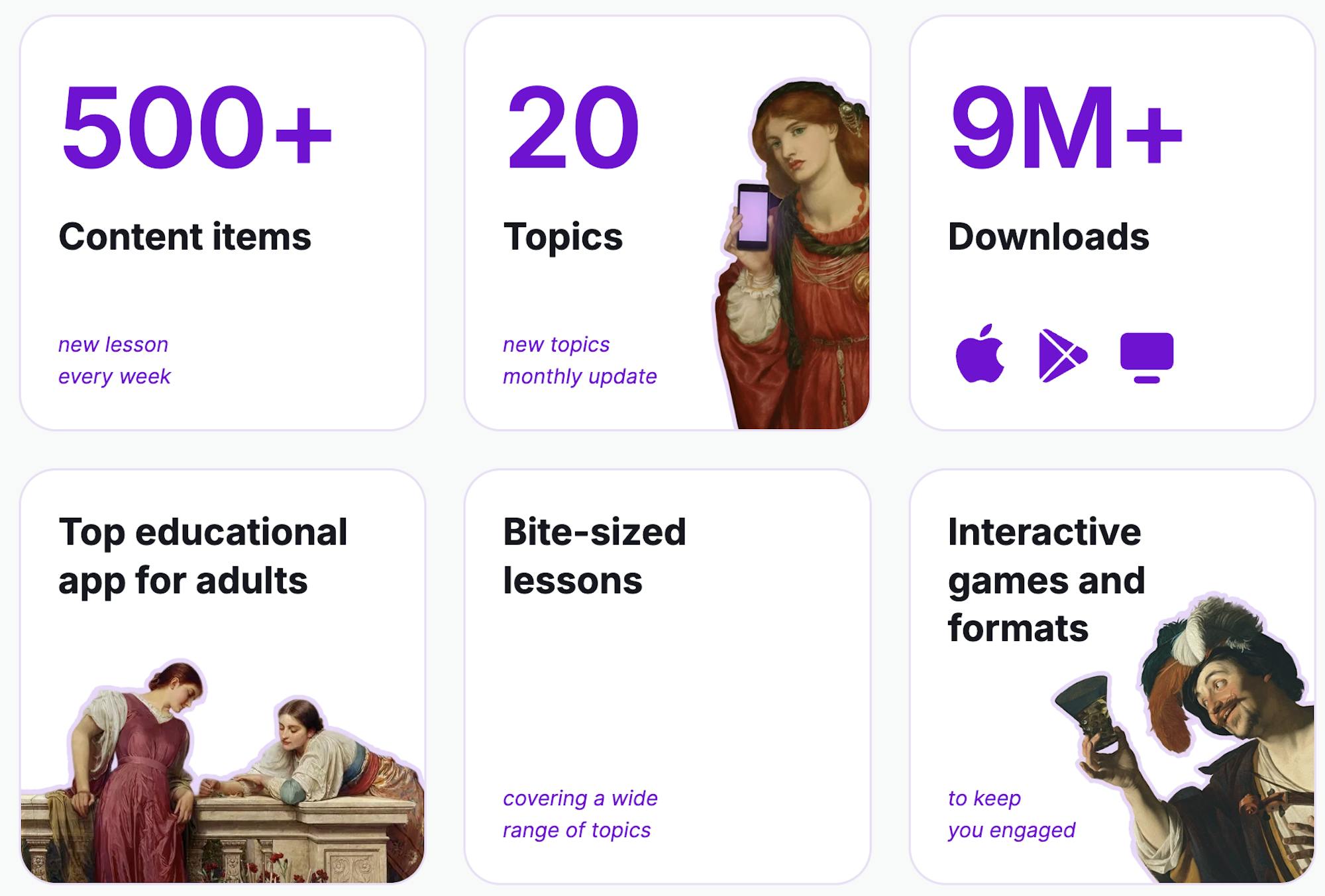
Nibble uses short interactive lessons to teach complex topics through a mobile-first interface. It ranks highly in the Google Play educational category because it addresses moments when your attention span is low after long lectures. The app tests your understanding using quick quizzes and visual logic games.
One learning session fits cleanly into a 5 to 10-minute window. Students can use it to refresh their skills before starting a group project or to practice math logic while waiting for a professor. The curriculum focuses on building practical knowledge blocks that you can apply immediately to your coursework:
- Interactive exercises
- Daily learning streaks
- Progress tracking
- Bite-sized lesson flow
3. Forest App: Keep Your Phone Closed During Study Blocks
Forest tackles digital distraction by turning focused time into a simple visual game. When you need to read a research paper or write an essay, you open the app and plant a virtual seed. As long as you leave your phone untouched, your tree grows over 25 to 50 minutes, but checking messages in the app causes the tree to die.
This mechanic provides immediate visual feedback that discourages you from unlocking your device during library sessions. Over a semester, your accumulated focus hours create a virtual forest that shows your overall dedication. Data from productivity research indicates that tangible tracking helps reinforce study consistency:
- Focus timer
- Session history
- Group study mode
- Browser blocking integration
4. Notion: Organize Notes Across Different Subjects
Notion acts as a central workspace where you can store lecture notes, track assignment deadlines, and build reading databases. Many university students use its custom templates to replace paper planners and fragmented digital files. The cloud synchronization ensures that a note typed on a phone during a bus ride instantly appears on a laptop during class:
- Linked databases
- Calendar view
- Shared study pages
- Cross-device sync
You can build one workspace for the entire semester. Relational tables let you connect your class notes directly to an upcoming exam date. This organization prevents important academic details from getting lost across different platforms.
5. Quizlet: Review Concepts Before Exams
Quizlet uses spaced repetition and digital flashcards to help you memorize terms for subjects like biology, law, and foreign languages. Cognitive science shows that testing yourself in short bursts over several days creates much stronger memory retention than a single overnight cram session.
A single flashcard set takes about 10 to 20 minutes to review, making it easy to use during lunch breaks or transit. The app automatically flags the cards you get wrong and shows them more frequently until you master the material.
6. Duolingo: Practice a Language Every Day
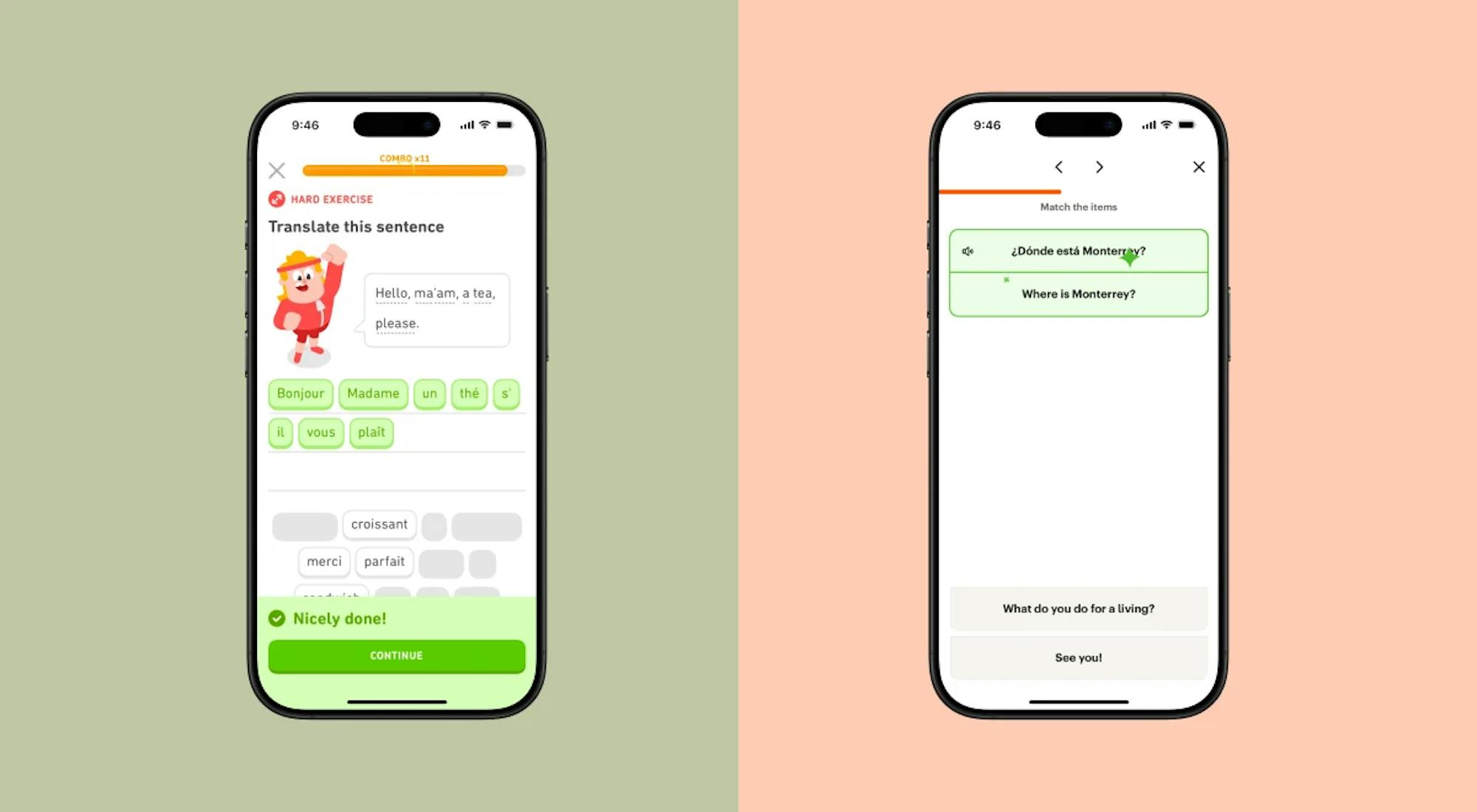
Duolingo uses gamification to maintain your language skills as your regular coursework builds. Many students abandon language practice when final exams approach, but this tool uses a daily streak counter to keep you consistent.
Each lesson takes only a few minutes and focuses on listening, translation, and pronunciation. It serves as a supplementary tool to keep your vocabulary active between formal university language classes:
- Daily streaks
- Pronunciation exercises
- Listening tasks
- Progress milestones
7. Todoist: Track Assignments Without Paper Planners
Todoist replaces physical agendas with a digital task management system built for rapid data entry. When a professor announces a test date, you can type the deadline into your phone using natural language processing to schedule it instantly.
The app uses priority labels to help you separate urgent assignments from long-term projects. Seeing your tasks organized by date reduces the mental anxiety that often happens during finals week.
- Recurring deadlines
- Priority labels
- Calendar integration
- Mobile reminders
Global Rankings for Self-Improvement Apps and Discovery Trends
Data from app-intelligence platforms indicate strong interest in mobile-first learning and productivity apps, while retention research shows that many apps lose users quickly in the first month. This makes early setup and onboarding especially important, since friction in the first sessions can reduce long-term engagement. That is why the global rankings for self-improvement apps now highlight microlearning methods or learning formats built around short lessons.
For example, Headway primarily offers 10- to 15-minute sessions with full-voice audio support, though its free tier limits access to one summary per day. Nibble scales lessons down to 5- or 10-minute windows based on visual exercises. Forest requires a longer commitment of 25 to 50 minutes per study block, replacing traditional instruction with audio soundscapes and basic visual rewards.
Review and Test the Self-Improvement Apps Based on Your Study Routine and Needs
Finding the best self-improvement apps for students requires looking at how you naturally manage your time between lectures. Most successful students simply combine one strong reading app focused on education with basic planning apps like Notion.
You can also use short-form learning and targeted microlearning to conserve your energy while maintaining a high grade point average. You can also test one app during your normal study week and see which format stays easy to maintain!


